Step-by-step guides for every team member
Short, illustrated guides to the jobs you do every week. They’re in the app under Home › How-To Guides, and Ask Stakr uses them to answer how-to questions.

GUIDE
The complete Wealth Stakr user guide
All nine guides in one PDF, with a linked contents page.
Setting up your account
Accept your invitation, sign in, find your way around Wealth Stakr and set up your dashboard.
Onboarding a client
Capture a new client, get their FICA documents on file, link their company or trust, policies and family, and hand out the next steps as tasks.
Tasks and the task flow
Raise a task, hand it to the right person, work it together through comments and status changes, and close it off.
Short-term renewals
Work a renewal from the Renewals list to a client-ready summary: upload the schedules, check the comparison, decide on gaps and send the PDF.
Short-term quote comparison
Upload two to five quotes, let the system read them item by item, check the figures, record your recommendation and download a client PDF.
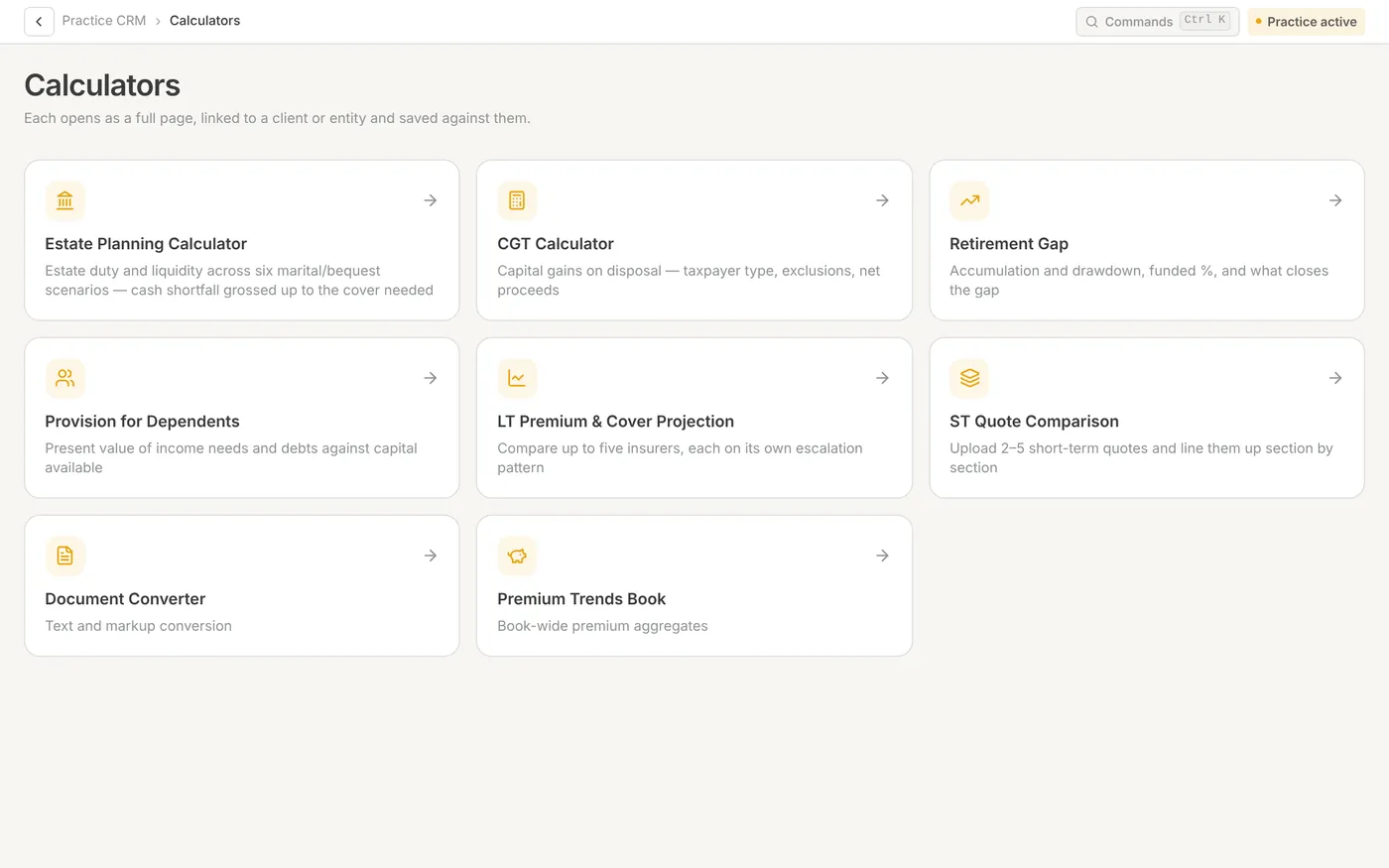
Using the calculators
Run the planning calculators against a client, read the results, save and reopen scenarios, and pull them into the Financial Profile and report builder.
ROA Builder: how to use it and what to upload
Create a Record of Advice, give the AI the right supporting documents, review each section, print the pack and commit it to the client.
Uploading your commission transactions
Import a commission or remittance statement, check what it produced, and make sure every line can be paid to the right adviser.
Practice MD: setting up your practice
Invite your team, give them the right roles, set up leave rules and approvers, and add your practice logo.
Screens in the guides use a fictional demo practice. Can’t find what you need? Email [email protected].